xListCleaner, a link checker
A free Python tool that checks a long list of web pages to see which still work and which still link to your site.
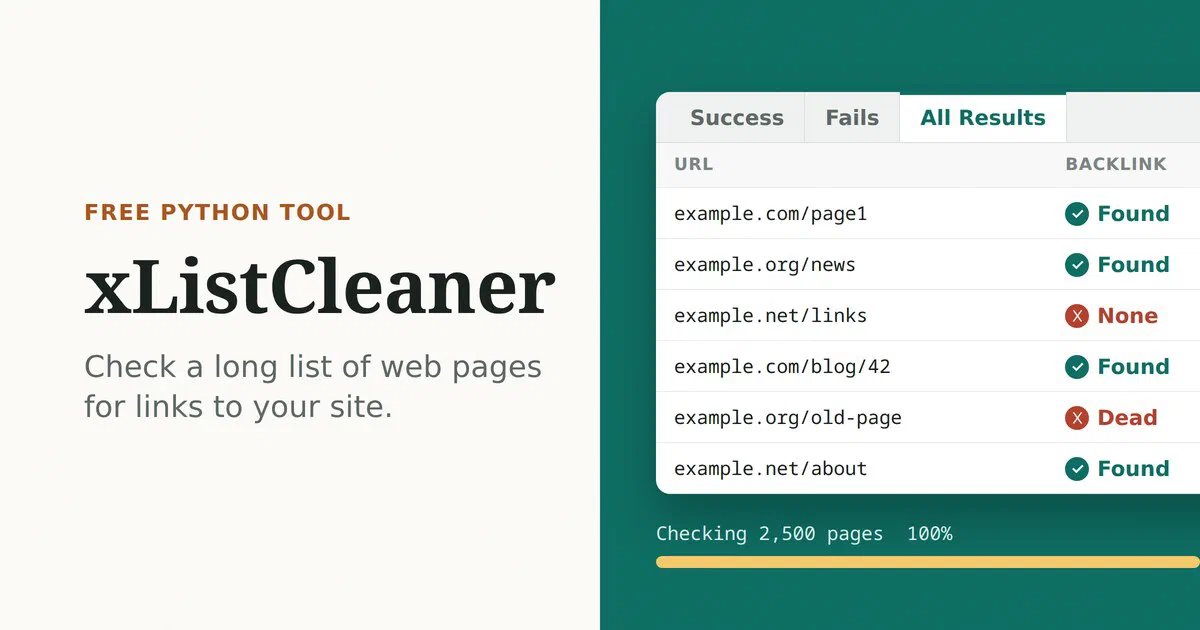
xListCleaner is a small tool I wrote in Python. You give it a long list of web pages, and it checks every one for you.
For each page, it answers two questions: does the page still work, and does it still link to your website?
What’s a backlink? #
A backlink is a link on someone else’s website that points to yours. If a local blog writes about your bakery and links to your site, that’s a backlink.
Backlinks help people find you. Search engines like Google also notice them. But pages change, move, or disappear, and links quietly go missing.
Checking them one at a time by hand gets old fast. xListCleaner does it for a whole list at once.
Why I made it #
I made it when I was working on backlinks and needed to check a lot of them at once. Doing it by hand wasn’t an option, so I wrote a tool to do it in bulk.
How it works #
You give it two plain text files:
- Your sites. The website or websites you want to find links to, one per line.
- The pages to check. The web pages that should have those links, one per line.
It visits each page, looks for links to your sites, and keeps track of what it finds. It checks several pages at the same time, so even a list of thousands goes fast. A progress bar shows how far along it is.
When it’s done, it saves an Excel file with three tabs:
- Success: pages that still link to you.
- Fails: pages that are gone or don’t link to you anymore.
- All Results: the full list.
The file name includes the date and time, so a new check never overwrites an old one.
If you want to try it #
It runs from the terminal, the text window where you type commands. You’ll need Python 3 installed. Download the code from GitHub, then install the pieces it uses:
Terminal
pip install -r requirements.txtThen run it with your two files:
Terminal
python xlistCleaner.py backlink.txt urls.txtWhat it’s built with #
It’s written in Python, a programming language that’s popular for small tools like this because it’s easy to read. It uses a few free add-ons: one to visit pages, one to read them, and one to build the Excel file.